Skip to content

Human × machine software

Human judgment.Machine capability.Built together.

We build software where machines handle more of the mechanical work, and people keep the intent, the judgment and the control.

The DyadForge dyadA smooth human signal and a stepped machine signal flow into the seam between a grid-filled bar and a contoured half-disc. They meet at a single point and leave together as one result.HUMAN SIGNALintent · judgment · contextMACHINE SIGNALcompute · speed · scaleRESULT

Available now

PDF EditorEdit, sign, redact and organize PDFs in your browser. Nothing is uploaded.

pdfeditor.dyadforge.com

The idea

Technology should work with people, not around them.

Too much software makes a trade on your behalf: convenience in exchange for your data, your attention or your say in what happens. We don’t think that trade is necessary.

The machine should take the repetitive, exact and computational work. The decisions, the context and the responsibility stay with the person. Good software makes that split obvious.

Products

What we’re building.

Each product is its own application with its own address. One is live today.

All products
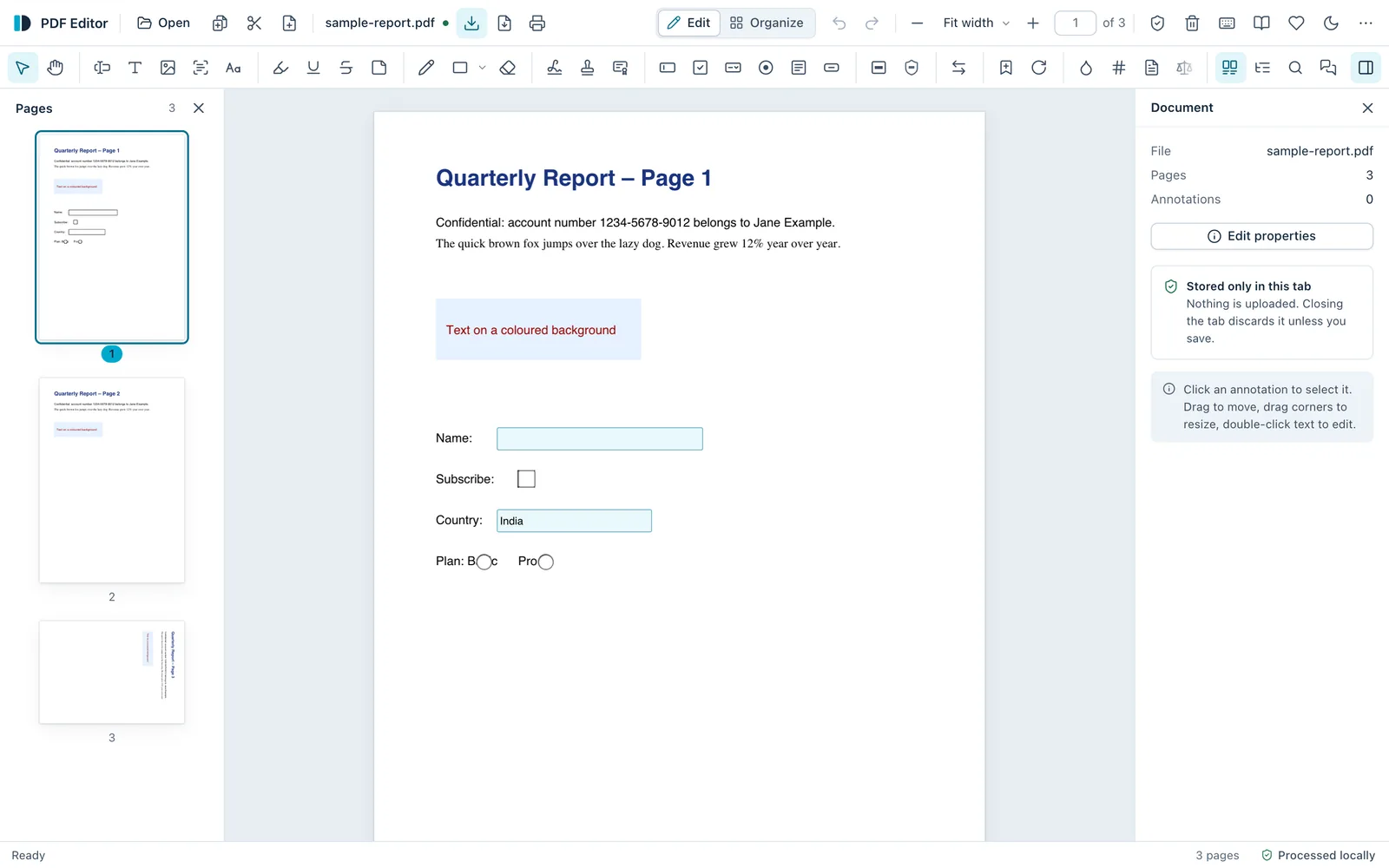
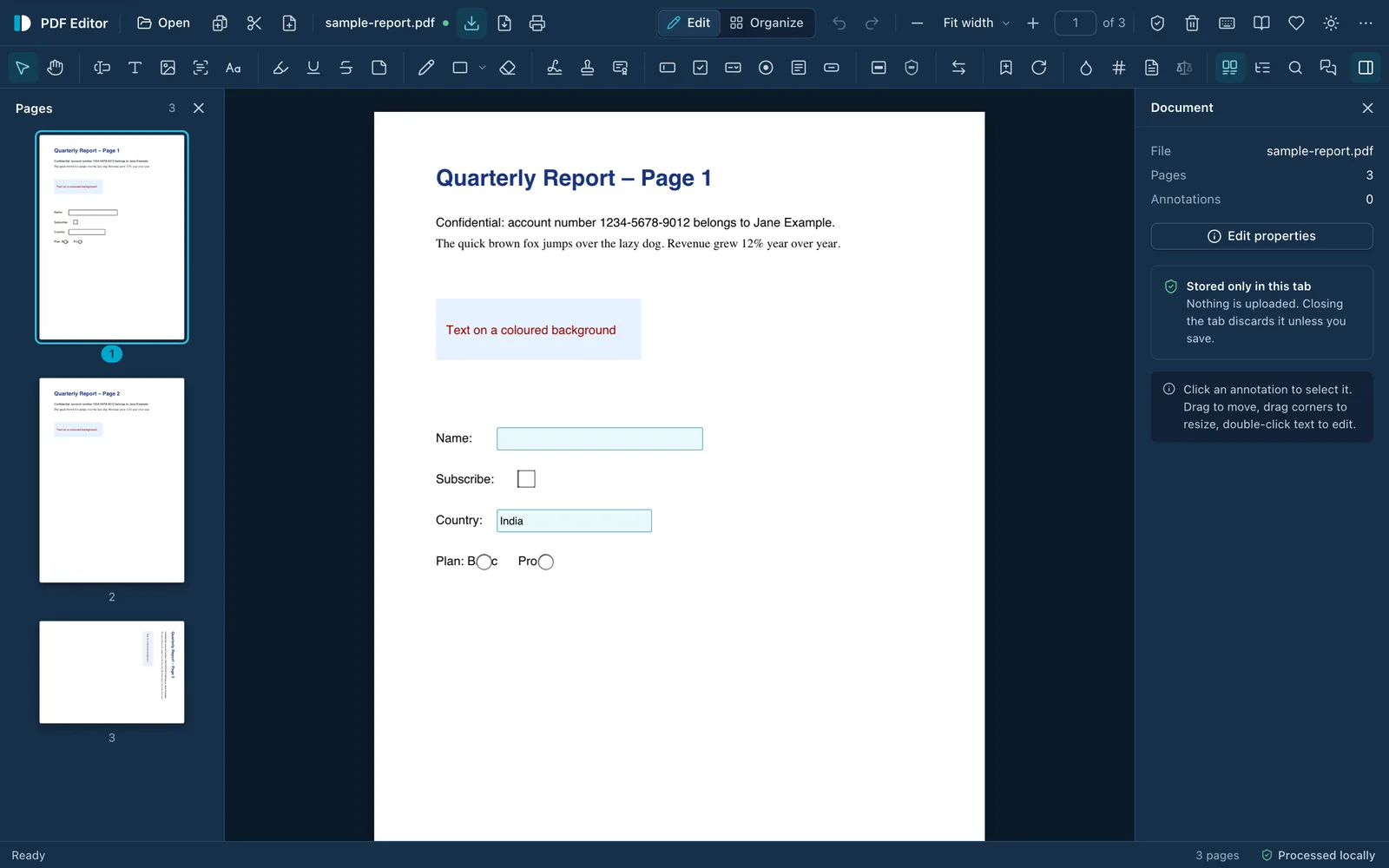
DyadForge PDF Editor with a three-page sample report open: page thumbnails on the left, the page in the centre, and a Document panel on the right noting the file is stored only in this tab. The status bar reads “Processed locally”.DyadForge PDF Editor with a three-page sample report open: page thumbnails on the left, the page in the centre, and a Document panel on the right noting the file is stored only in this tab. The status bar reads “Processed locally”.
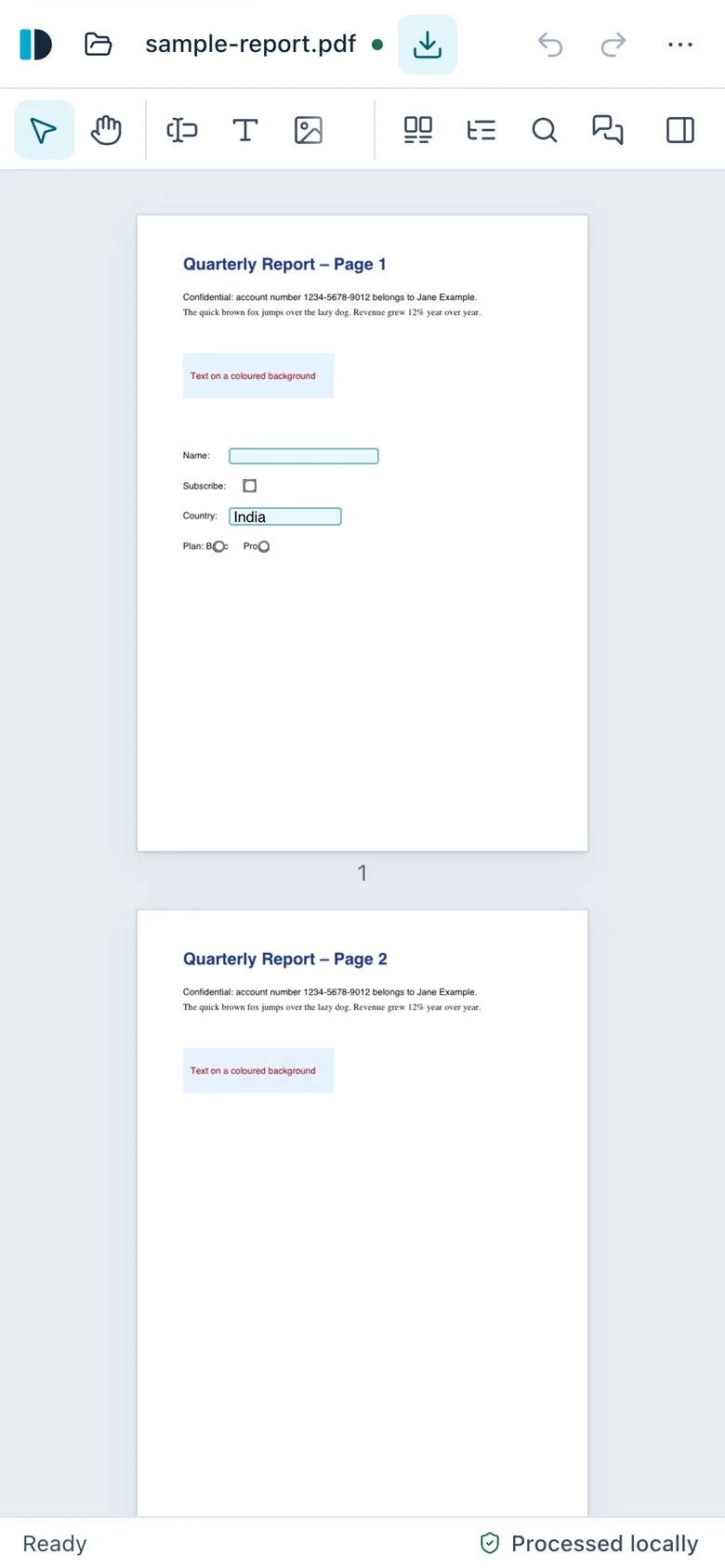
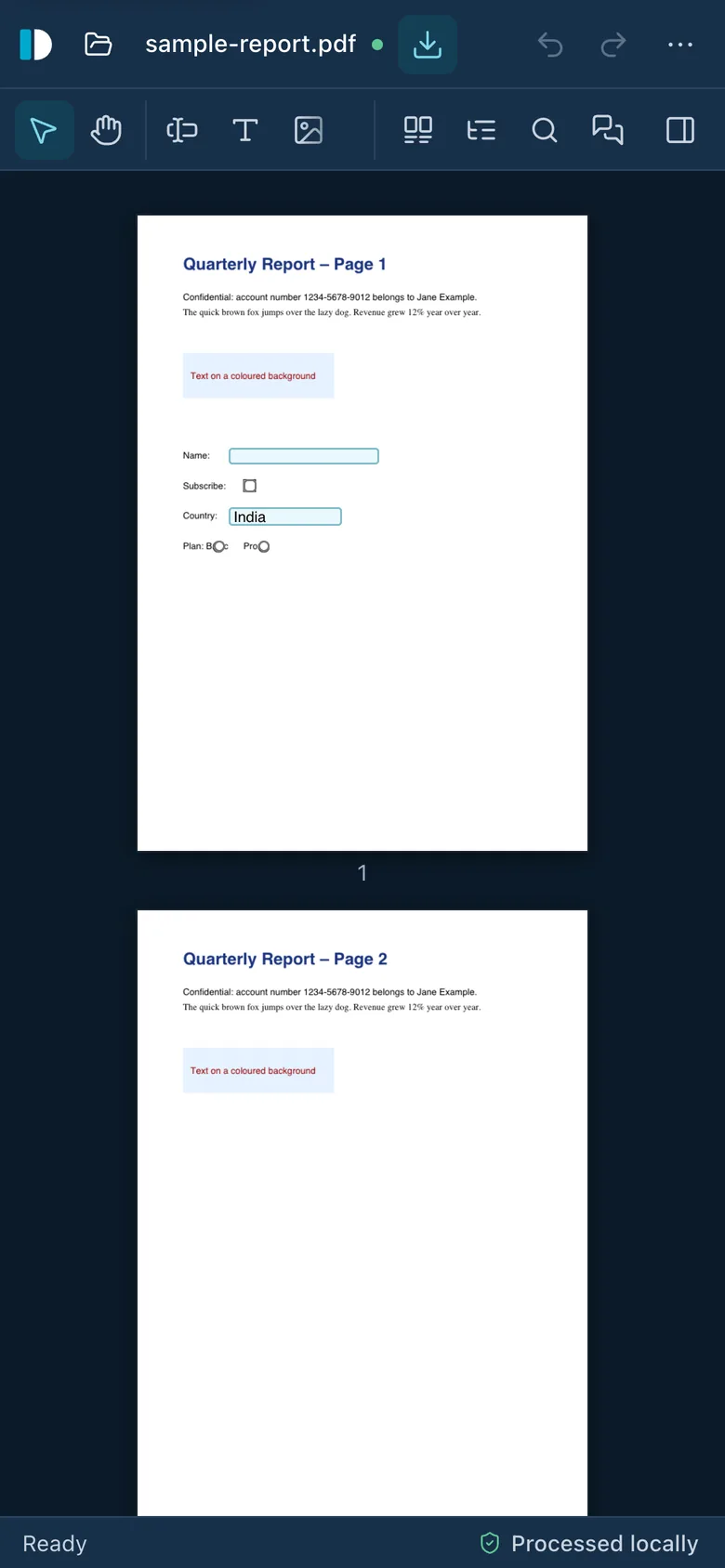
DyadForge PDF Editor on a phone, showing the sample report with a compact toolbar and the status “Processed locally”.DyadForge PDF Editor on a phone, showing the sample report with a compact toolbar and the status “Processed locally”.

DyadForge PDF EditorLive

Powerful PDF tools. Your files stay with you.

Edit text, sign, fill and create forms, redact, run OCR, merge, compress and encrypt PDFs directly in your browser. Documents are processed on your device and never uploaded.

  • Runs locallyFiles are read into the browser tab and processed on your device.
  • No accountThere is no sign-up or login. Open the page and start working.
  • No trackingNo analytics, cookies, fingerprinting or usage statistics.
  • No watermarkSaved files are yours, exactly as you edited them.
  • No feature paywallEvery feature is available to everyone, with no limits.

Edit textSignFill & create formsRedactOCRMerge & splitCompressEncryptWorks offline

The dyad

Each side does what it is good at.

People are good at deciding what should happen and why. Machines are good at doing it exactly, quickly and many times over. Software is at its best when it keeps each side in its lane.

Human

  1. Intentwhat should happen
  2. Judgmentwhat matters here
  3. Contextwhat is really going on
  4. Creativitywhat could be different
  5. Accountabilitywho answers for it

Machine

  1. Computationexact, every time
  2. Speedmilliseconds, not hours
  3. Scaleone page or ten thousand
  4. Automationthe repetitive parts
  5. Pattern recognitiontext inside a scanned image

Better together

Useful software, with people still in control.

Principles

What we build by.

Six rules that decide what goes into a DyadForge product, and what stays out.

Read the principles in full
  1. 01. Humans stay in control

    Technology should extend what people can do without taking away their say in it.

  2. 02. Privacy by architecture

    Don’t collect sensitive information the product doesn’t need.

  3. 03. Transparency over claims

    Where practical, you should be able to inspect how a product behaves.

  4. 04. Useful before impressive

    Solve the problem first. Add novelty only when it makes the result better.

  5. 05. No artificial friction

    Don’t weaken software on purpose to sell the upgrade.

  6. 06. Engineering is the product

    Security, reliability, accessibility and performance come first, not last.

Verifiable trust

Don’t just trust the promise. Inspect the design.

A privacy policy asks you to believe us. An architecture you can check does not. Where it is practical, our products show how they behave, and give you the steps to confirm it with your own browser.

See PDF Editor’s transparency
Your data stays on your device. The product runs in your browser and writes the result back to your disk. The only inbound connection is the app’s own files. Uploads, remote processing and unlisted storage do not exist.

Your devicetrust boundary

  1. 01Your dataA PDF read from your disk into memory
  2. 02The productRuns in this browser tab, on your processor
  3. 03ResultA new file, saved back to your disk
  • Outside your device
  • No unnecessary uploadYour document is never sent anywhere.
  • No hidden processingThere is no server that could work on it.
  • No unknown storageNothing is kept that isn’t listed.

Five questions every product answers

Answers for PDF Editor

Q1What leaves your device?
Nothing from your documents. Page requests only fetch the app’s own files. Source: PDF Editor transparency page
Q2What gets stored?
Your theme choice, signatures only if you ask it to remember them, and an offline copy of the app. Never documents. Source: PDF Editor transparency page
Q3Which external services are contacted?
jsDelivr, only for an extra OCR language you choose. A report relay, only if you send a bug report. A donation site, only if you click through to one. Source: PDF Editor transparency page
Q4What permissions are required?
None. Files are opened and saved through your browser’s own file dialogs. Source: PDF Editor transparency page
Q5What can’t the product do?
Certificate signatures, Office conversion and cloud sync, among others. Each limit is listed with its reason. Source: PDF Editor transparency page

How we build

From a real problem to software you can check.

The same six steps for every product. The order matters: technology is chosen third, not first.

How we build, in detail
  1. 01

    Start from a real problem

    Something people already struggle with, not a technology looking for a use.

  2. 02

    Understand the person

    What they intend, what they know, and what they must stay responsible for.

  3. 03

    Choose the right technology

    The simplest thing that does the mechanical work well. Sometimes that’s AI. Often it isn’t.

  4. 04

    Build the simplest useful system

    Fewer moving parts means fewer ways to fail and less to trust.

  5. 05

    Make its behaviour visible

    Document what it connects to, what it stores and what it cannot do.

  6. 06

    Keep improving

    Publish the limitations, then work through them in the open.

And back to 01, with what we learned.

In the open

Built in the open where it makes sense.

Some things are better shown than described. This is what is published today, and what isn’t yet. When something is missing, we say so rather than point you at an empty page.

Why the name

Two words, one idea.

Dyad

/ˈdaɪ.æd/ · noun

Two complementary participants that act as one unit.

Forge

/fɔːdʒ/ · noun, verb

A place where useful things are deliberately shaped. To make something with effort and care.

DyadForge

company

People and machines, building useful things together.

About

An independent software company, starting with one useful product.

DyadForge makes software that does its job, respects the person using it and explains how it works.

Each product is designed, engineered and shipped as its own application, on its own address. The first, a PDF editor that runs entirely in your browser, is live now. More will follow when they are ready, not before.

The company story

See what we’re building.

One product today, built the way we intend to build everything: useful, local where it can be, and open about how it works.

Live nowpdfeditor.dyadforge.com