Skip to content

Products

Software that does the job, and shows its work.

Each DyadForge product is an independent application with its own address. Every one is listed here with what it does, how it behaves and where it falls short.

Live
1
Accounts
0
Trackers
0

01 / Documents / Live

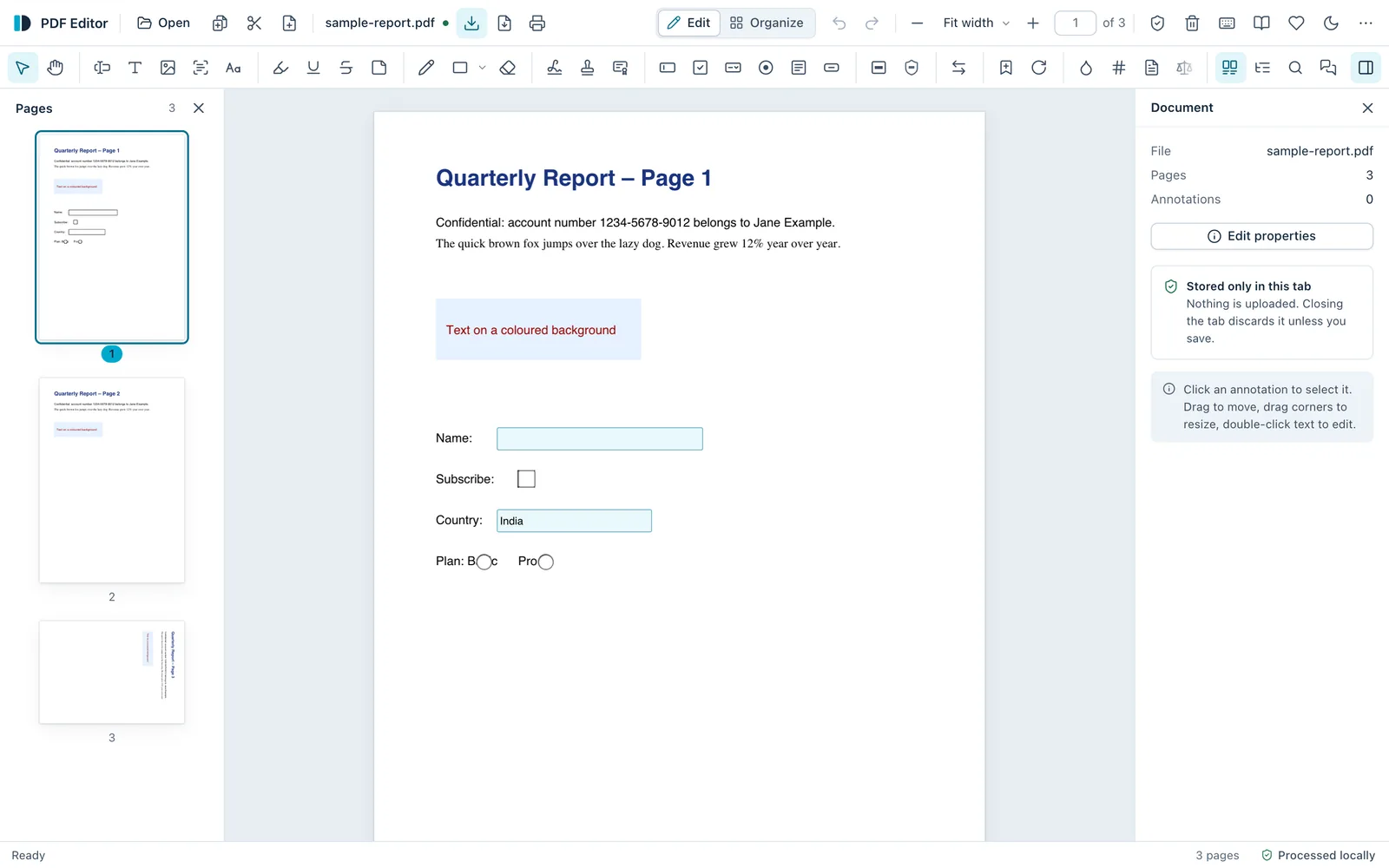
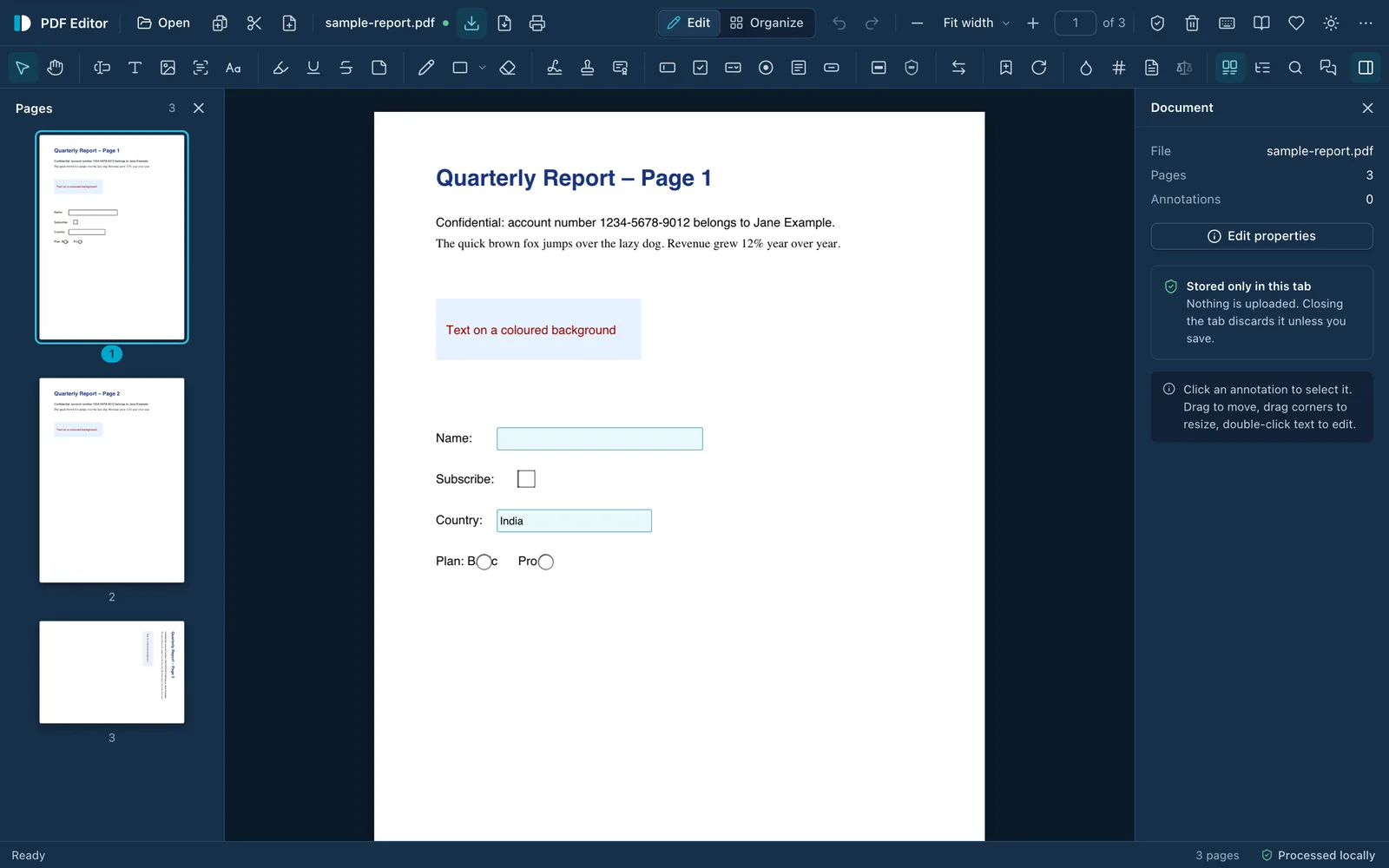
DyadForge PDF Editor with a three-page sample report open: page thumbnails on the left, the page in the centre, and a Document panel on the right noting the file is stored only in this tab. The status bar reads “Processed locally”.DyadForge PDF Editor with a three-page sample report open: page thumbnails on the left, the page in the centre, and a Document panel on the right noting the file is stored only in this tab. The status bar reads “Processed locally”.
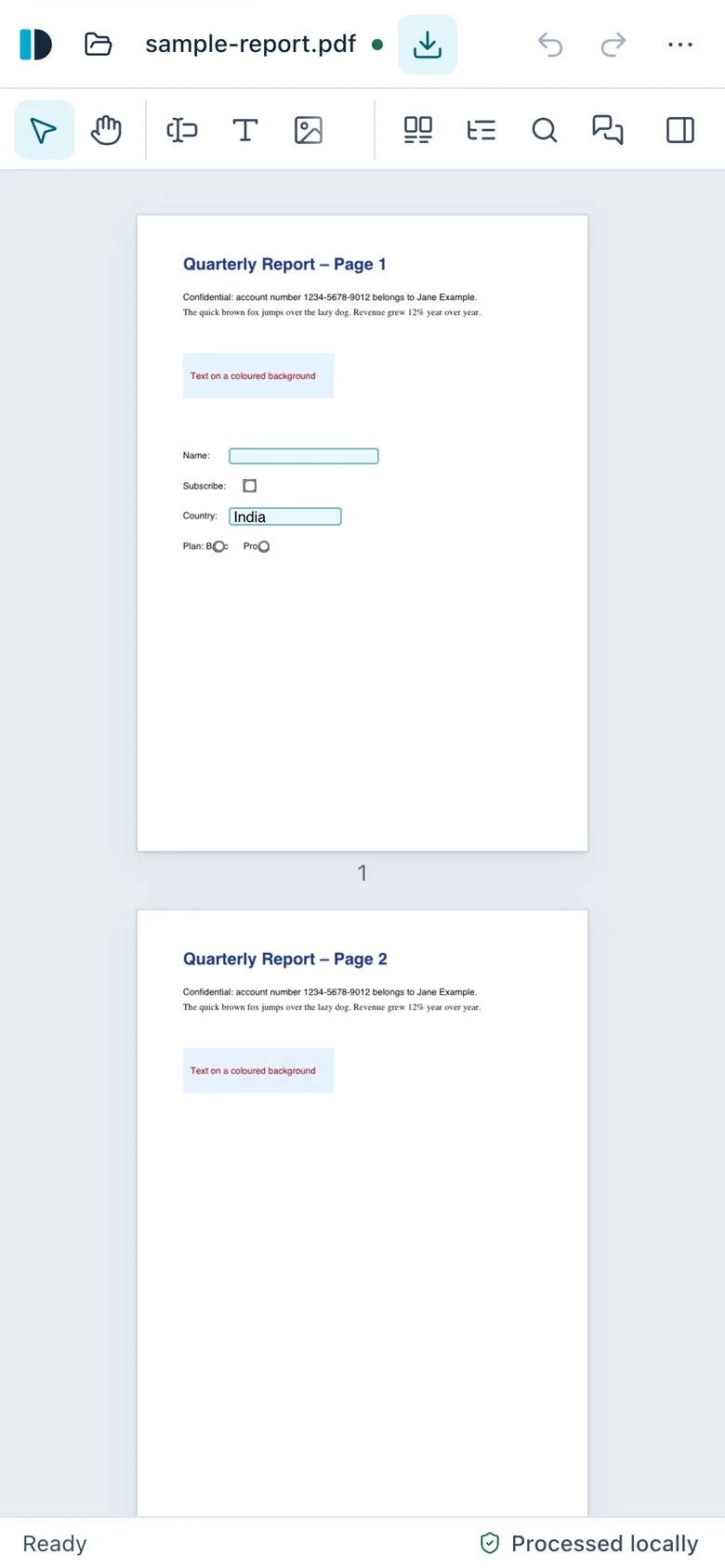
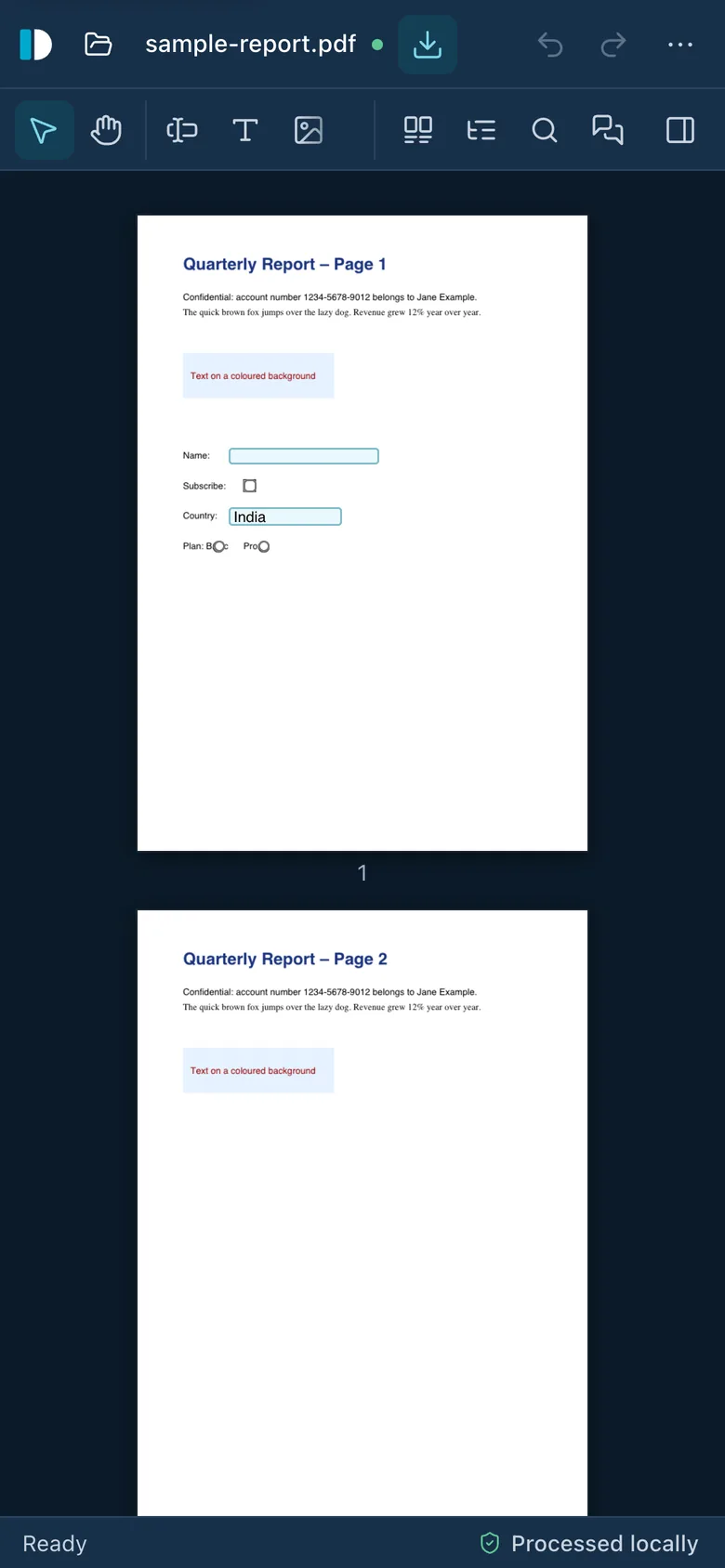
DyadForge PDF Editor on a phone, showing the sample report with a compact toolbar and the status “Processed locally”.DyadForge PDF Editor on a phone, showing the sample report with a compact toolbar and the status “Processed locally”.

DyadForge PDF EditorLive

Powerful PDF tools. Your files stay with you.

Edit text, sign, fill and create forms, redact, run OCR, merge, compress and encrypt PDFs directly in your browser. Documents are processed on your device and never uploaded.

  • Runs locallyFiles are read into the browser tab and processed on your device.
  • No accountThere is no sign-up or login. Open the page and start working.
  • No trackingNo analytics, cookies, fingerprinting or usage statistics.
  • No watermarkSaved files are yours, exactly as you edited them.
  • No feature paywallEvery feature is available to everyone, with no limits.

Edit textSignFill & create formsRedactOCRMerge & splitCompressEncryptWorks offline
Principles in practice

How PDF Editor keeps its promises.

  1. 02

    Privacy by architecture

    There is no server that could receive a document. Editing, OCR and redaction run in the browser tab.

  2. 03

    Transparency over claims

    Every network connection the app can make is listed, and the security policy is shown live.

  3. 04

    Useful before impressive

    No cloud “chat with your PDF” feature, on purpose: it would mean uploading your document.

  4. 05

    No artificial friction

    No paid tier, no watermark, no page or file size limits. Donating unlocks nothing.

No sign-up screen

The first thing you see is the tool.

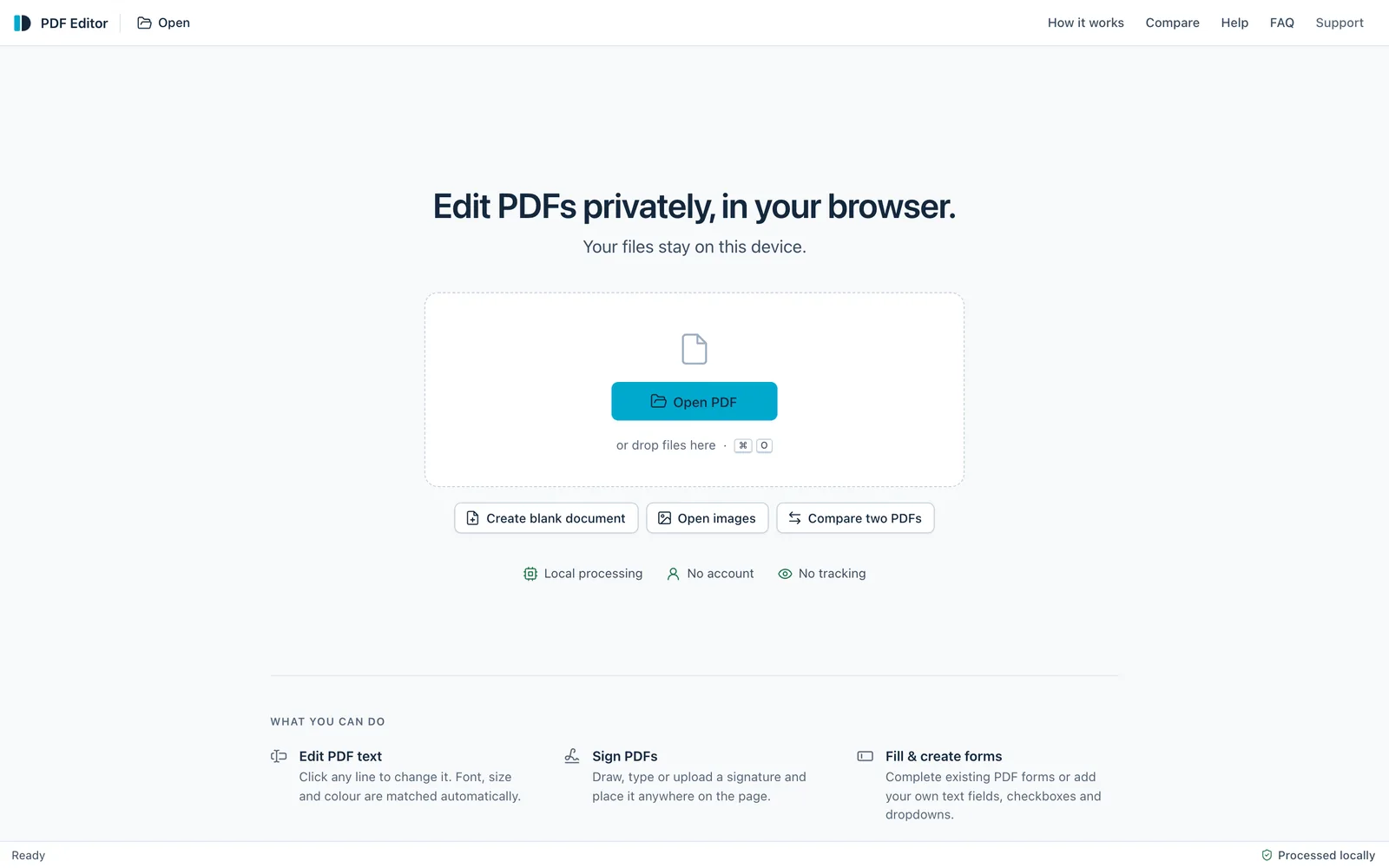
There is no landing page to get past, no account to create and no trial to start. Open a PDF, or drop one on the page, and start working. The start screen says the same thing this page does: local processing, no account, no tracking.

Open PDF Editor
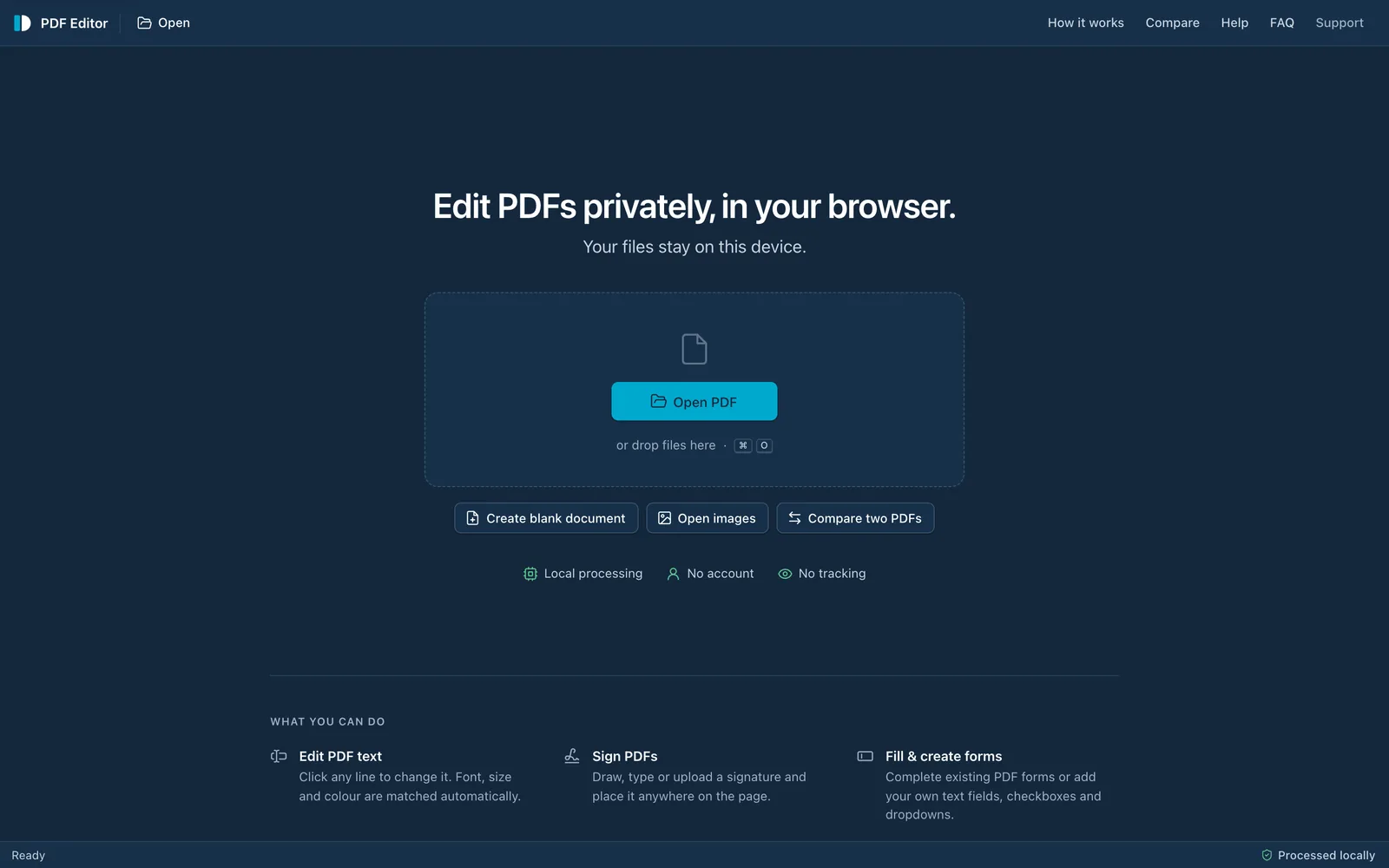
The PDF Editor start screen: “Edit PDFs privately, in your browser.” with an Open PDF button, options to create a blank document or open images, and the notes Local processing, No account, No tracking.The PDF Editor start screen: “Edit PDFs privately, in your browser.” with an Open PDF button, options to create a blank document or open images, and the notes Local processing, No account, No tracking.

What comes next

More products, when they’re ready.

We don’t list products before they can be used. Each new one will appear here when it is live, and every one will ship with the same set of documents as the PDF Editor.

  1. 01A transparency pageWhat the product does with your data, in plain language.
  2. 02A list of network connectionsEvery destination it can contact, and what is sent.
  3. 03A list of what is storedEverything kept on your device, and how to remove it.
  4. 04Steps to verify itHow to check the claims yourself, with your own browser.
  5. 05Known limitationsWhat it can’t do yet, next to what it can.
  6. 06A change historyChanges to promises, dated, before they take effect.